

Protecting personal data across the array of apps and devices used daily is no longer an optional security measure; it is a fundamental requirement for maintaining operational integrity and user trust. The proliferation of mobile devices, cloud services, and interconnected applications creates numerous points of vulnerability. Each new app installed or device connected expands the attack surface, increasing the potential for data breaches, identity theft, and compliance failures. For businesses and individuals alike, a proactive and layered approach to data protection is essential to mitigate financial risk, safeguard sensitive information, and preserve reputation.
Establishing Foundational Security Practices
Effective data protection begins with core security habits that underpin all digital interactions. These practices form the bedrock upon which more specific app and device controls are built, providing a consistent layer of defense.
Implementing Strong Authentication Methods
The first line of defense for any digital asset is robust authentication. Relying solely on passwords, especially weak or reused ones, invites compromise. Multi-factor authentication (MFA) adds a critical layer of security by requiring two or more verification factors to gain access. This typically combines something you know (password), something you have (phone, hardware token), or something you are (biometrics). Implementing MFA across all critical accounts—email, banking, cloud storage, social media, and business applications—significantly reduces the risk of unauthorized access even if a password is stolen. Password managers centralize and encrypt complex, unique passwords for every service, eliminating the need for users to remember them and preventing credential stuffing attacks.
Maintaining Software Updates and Patch Management
Software vulnerabilities are routinely discovered and exploited by malicious actors. Operating systems, applications, and device firmware all require regular updates to patch these security flaws. Timely application of these updates closes known backdoors that attackers could use to gain unauthorized access to data. Automated update settings, where available, reduce human error and ensure systems remain current. For organizations, a centralized patch management system ensures all endpoints are updated efficiently, minimizing exposure.
Securing Network Connections
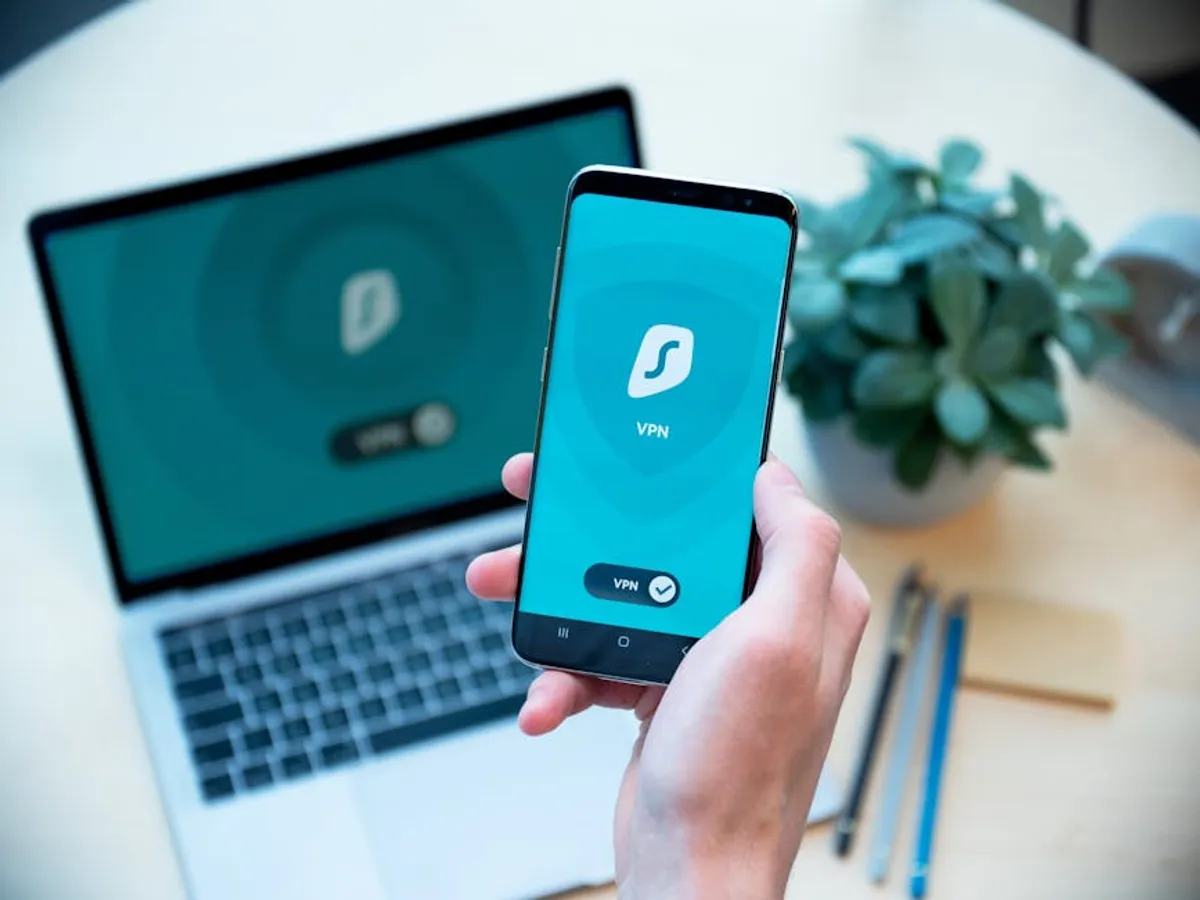
The network connection itself can be a vector for data interception. Using a Virtual Private Network (VPN) encrypts internet traffic, creating a secure tunnel between the device and the internet, particularly crucial when connecting via untrusted public Wi-Fi networks. Configuring home and office Wi-Fi networks with strong, unique passwords and WPA3 encryption (where supported) prevents unauthorized access and eavesdropping. Disabling network features like UPnP (Universal Plug and Play) that can expose devices to external networks further hardens security.
Implementing App-Specific Data Controls
Beyond foundational security, individual applications require careful configuration to limit their access to personal data and prevent unintended sharing.
Managing Application Permissions
Many apps request extensive permissions upon installation, often exceeding what is necessary for their core functionality. Users should routinely review and revoke unnecessary permissions for location services, microphone access, camera access, contacts, and photos. For example, a note-taking app typically does not require access to your physical location. Restricting these permissions reduces the surface area for data collection and potential misuse by the app developer or by an attacker who gains control of the app. Both iOS and Android provide granular controls for reviewing and adjusting these permissions per application.
Configuring Privacy Settings
Most applications and online services include privacy settings that dictate how your data is collected, used, and shared. These settings often default to less private options. Users should actively navigate to the privacy sections within each app and service to:
- Limit data sharing with third parties.
- Control ad personalization based on activity.
- Disable activity tracking where possible.
- Adjust visibility of personal information (e.g., profile details, posts) to friends, specific groups, or only yourself.
Regular audits of these settings are advisable, as app updates can sometimes reset privacy preferences.
Practicing Data Minimization
A core principle of data protection is to only provide the minimum amount of personal data required for a service to function. Before signing up for a new app or service, consider whether the information requested is truly necessary. For instance, if an app asks for your date of birth but its functionality has no logical connection to age verification, consider providing a minimal or partial response, or declining to use the service if it insists on unnecessary data. This reduces the amount of personal information stored across various platforms, thereby limiting the impact of any potential data breach.
Pro Tip: Regularly review the "Privacy Policy" and "Terms of Service" for apps and services you use, particularly before granting new permissions or sharing sensitive data. These documents, while often lengthy, detail exactly how your data will be handled. Look for clear statements on data retention, sharing practices, and your rights to data access or deletion. If the policy is unclear or concerning, reconsider using the service.
Enhancing Device-Level Protection
Securing the physical devices themselves is equally critical, as they serve as direct repositories for personal data and gateways to online services.
Encrypting Data at Rest
Device encryption, often enabled by default on modern smartphones and computers, scrambles all data stored on the device. If the device is lost or stolen, the data remains inaccessible without the correct decryption key (typically tied to your login password or PIN). This renders the data unreadable to unauthorized individuals, protecting sensitive documents, photos, and login credentials. Verify that full-disk encryption (FDE) is active on all laptops and desktops, and ensure mobile devices utilize hardware-backed encryption.
Enabling Remote Wipe and Device Tracking
For mobile devices, features like "Find My iPhone" or "Find My Device" (Android) are essential. These services not only help locate a lost device but also provide the critical ability to remotely wipe all data from it. This ensures that even if a device falls into the wrong hands, your personal information cannot be accessed. Enabling these features is a non-negotiable step for any smartphone or tablet owner.
Implementing Secure Backup Strategies
While encryption protects data on a device, a robust backup strategy ensures data recovery in case of device failure, loss, or a ransomware attack. Secure backups involve encrypting the backup data itself and storing it in a separate, secure location. This could be an external hard drive, a reputable cloud backup service, or a combination of both. Regular, automated backups minimize data loss and provide a recovery point, reducing the impact of unforeseen events.
Cultivating Behavioral Safeguards
Technology alone cannot provide complete protection; user behavior plays a significant role in overall data security.
Recognizing Phishing and Social Engineering
Many data breaches originate not from technical exploits but from human error. Phishing attempts, where attackers impersonate legitimate entities to trick users into revealing credentials or installing malware, are pervasive. Users must be trained to recognize suspicious emails, texts, and calls, looking for inconsistencies in sender addresses, grammatical errors, urgent demands, or unusual links. Never click on unsolicited links or download attachments from unknown sources.
Exercising Caution on Public Wi-Fi
Public Wi-Fi networks in cafes, airports, and hotels are often unsecured, making it easy for attackers to intercept data. Avoid conducting sensitive transactions (e.g., online banking, shopping with credit cards) over public Wi-Fi without a VPN. Assume that any data transmitted over an unencrypted public network is vulnerable to interception.
Sustaining Data Protection Over Time
Protecting personal data is an ongoing process, not a one-time setup. Regular reviews of security settings, an awareness of emerging threats, and continuous education on best practices are crucial. As new apps are installed, devices acquired, and online services engaged, integrate these protective measures into your routine. This proactive approach minimizes exposure and strengthens your digital resilience against evolving cyber threats.
Frequently Asked Questions
What is the most critical step for immediate data protection?
Enabling multi-factor authentication (MFA) on all critical accounts (email, banking, cloud services) is the single most impactful step you can take to prevent unauthorized access to your data, even if your password is compromised.
How often should I review app permissions and privacy settings?
It is advisable to review app permissions and privacy settings at least quarterly, or whenever you install a new app, update a major operating system, or notice unusual app behavior. App updates can sometimes alter default settings.
Is it safe to use cloud storage for sensitive personal data?
Cloud storage can be safe if you choose a reputable provider that offers strong encryption (both in transit and at rest) and you enable MFA on your cloud account. For highly sensitive data, consider encrypting files locally before uploading them to the cloud.
What should I do if a device containing personal data is lost or stolen?
Immediately use your device's remote tracking service (e.g., "Find My iPhone," "Find My Device") to locate it. If recovery is unlikely, perform a remote wipe to erase all data. Then, change passwords for all accounts that were logged in on that device and report the loss to relevant authorities.



